
Release v1.2.3
It's release time! We haven't been announcing our releases publicly yet because we're still in Early Access, but we have enough Early Access users that we wanted to make sure everyone heard about it.
Whether you're already using Early Access or ready to try it out, here's what's new in v1.2.3.
How to Upgrade
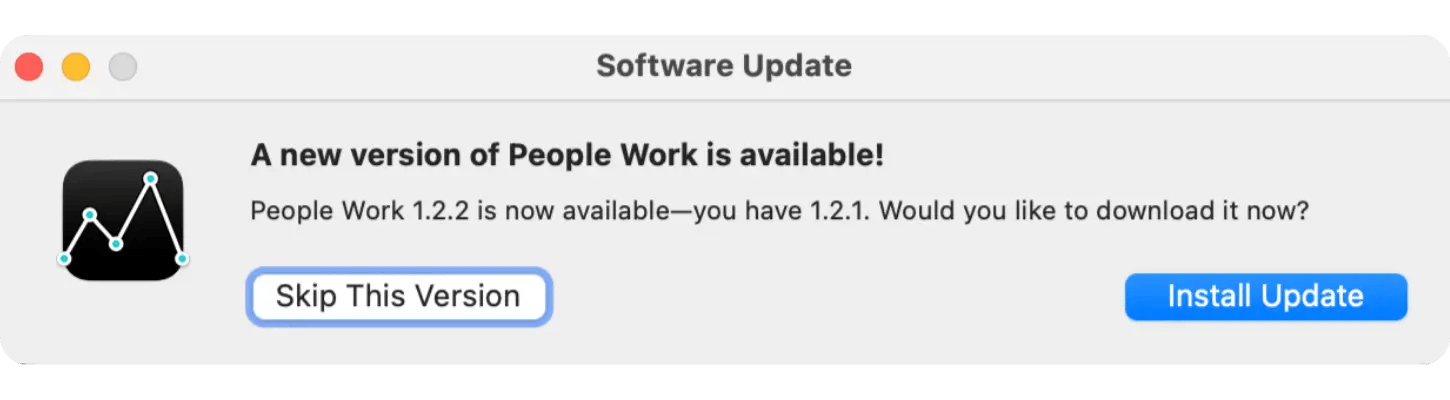
Go to the People Work menu and click Check for Updates.... You will see this window, and click Install Update.
The first time you open the new version of the app you'll see:
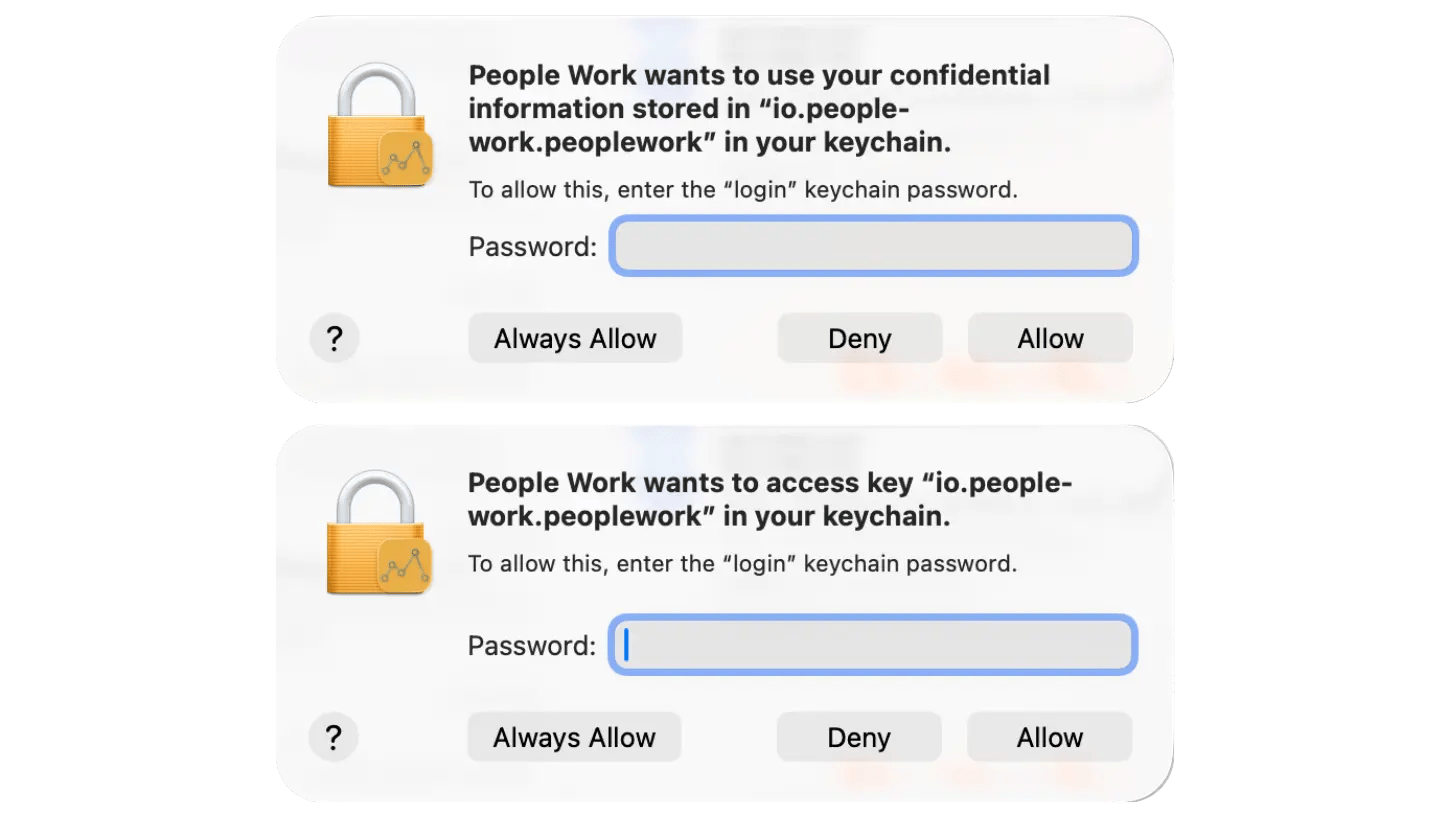
This simply gives the app permission to securely put your credentials on the Keychain Access.
Hint: Clicking Always Allow will save you a few keystrokes.
Features
Authentication
The foundation of our app is built on privacy, and for its first year, it had no connection to the cloud. We decided a few months ago that we needed a minimal and secure connection to the cloud in order to better serve our users. So we worked hard on email-based authentication that will enable a Stripe-based subscription model which keeps your data where it belongs, with you.
When you first start the app, you'll be directed to create a new customer and to validate the email address you provide. That's it! In the future you can authorize other devices with that same email address.
Subscriptions
We believe that the app is close to being out of Early Access, but we still have a little bit of work before we're totally confident of that. However, we've also heard from several users who would like to fund our work. So today, this release allows these users who wish to be our first paying customers that opportunity. For everyone else, they can continue using the app for free via Early Access.
Seats
This, also, means that you can add other people to your subscription. For example:
- If you're a manager and want your direct reports to use the app, you can purchase their seats with one credit card transaction.
- If you're a parent and you want your college aged kid to start building their professional connections, you can purchase them a seat on your account.
- If you're a startup and you want your whole company to use People Work, add a seat for everyone and purchase it in one fell swoop.
User Experience
We spent the last few months talking to users and watching every WWDC video we could get our hands on and have stated to make some exciting usability improvements to the app. This version does a much better job of letting you know where you are and what you can do in the app following Apple's Human Interface Guidelines. And this is just the beginning. We can't wait to show you what's next.
Ready for a Subscription
If you want to be one of our first paying customers, simply go to the People Work menu and click Manage Account to see this screen. Notice that this is also where you can add or remove seats.
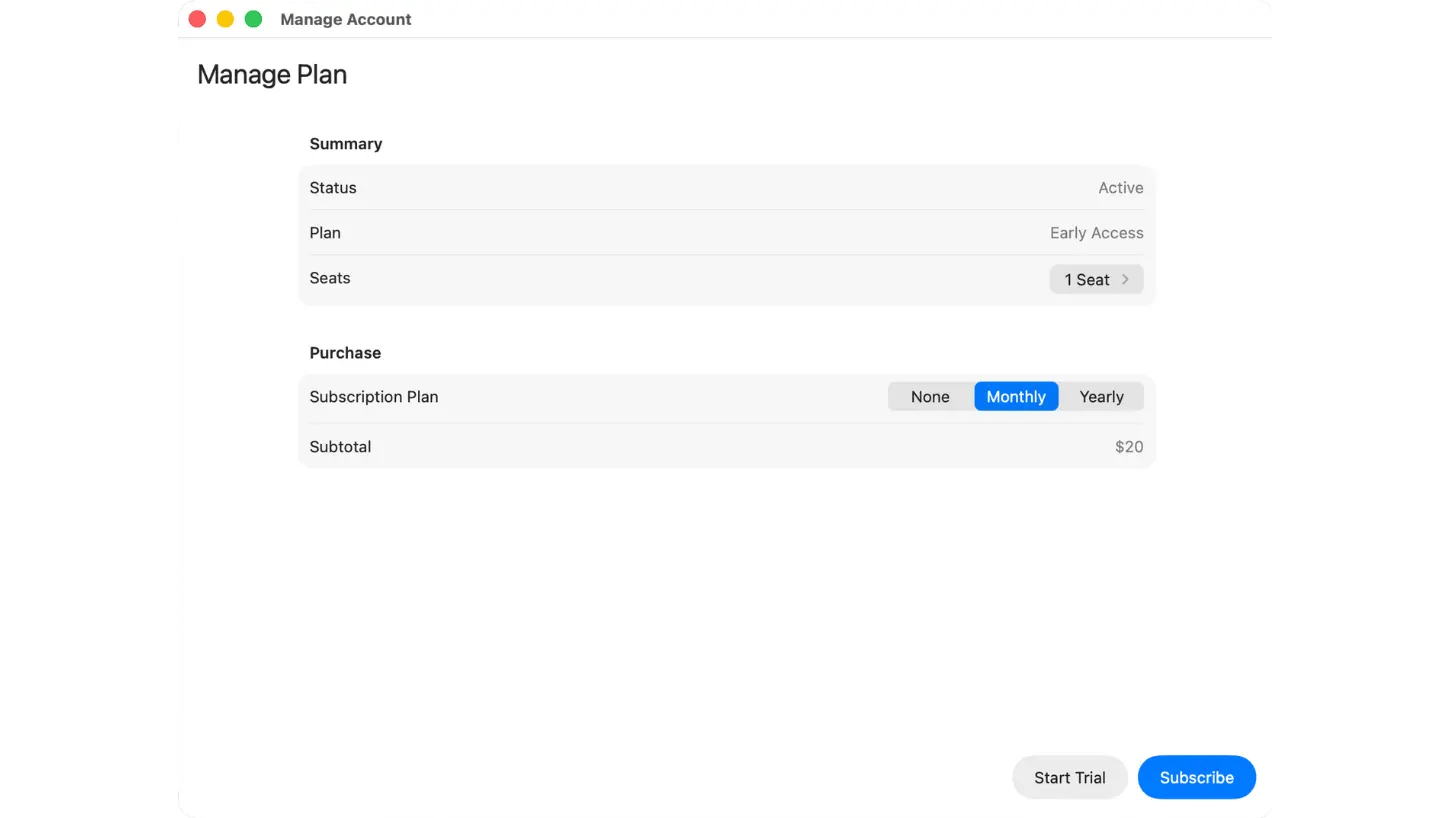
You can click Monthly or Yearly to choose how you'd like to pay. And you can choose to start a 45-day free trial by clicking Start Trial or you can start your subscription right away by clicking Subscribe, which will take you to the payment screen.
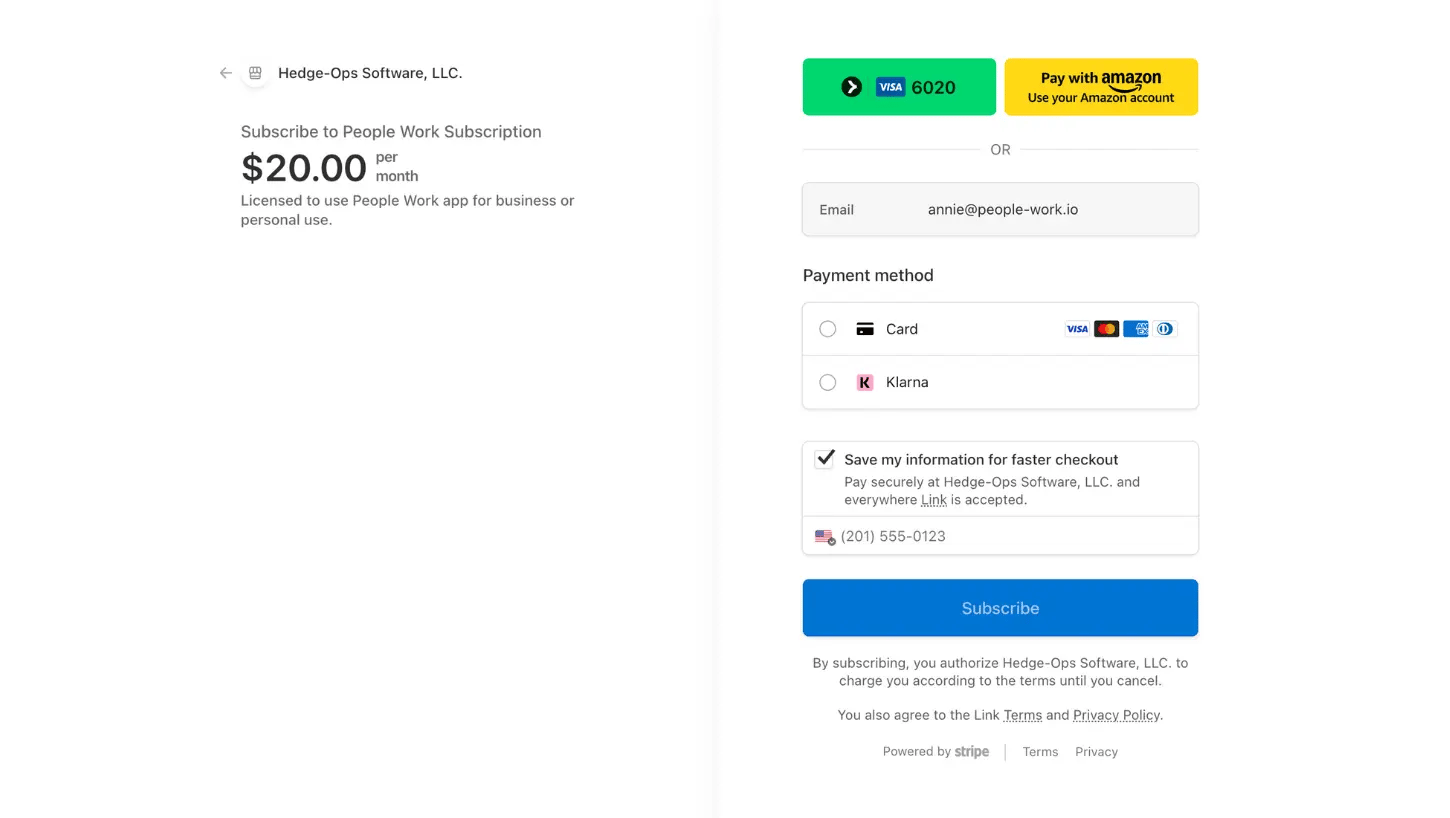
We really want you to be happy and successful using our product, so you can cancel at any time. And should you need it, please don't hesitate to reach out to support.